
How-to guide
How to create an AI adult model
To create an AI adult model, define a fictional persona, build her face and body in Kinku's Character Studio, check that she stays on-model across test generations, then build a content library before publishing. There is no LoRA to train.
What a working character looks like
Three characters, two explicit clips each. Check your own the same way: the same face in a different room, a different position, and different light. All KIN 2.


18+ content hidden
KIN 2 example
01 Nhung · hotel
Step-by-step: create an AI adult model
- 1
Define the persona
Pick a name, niche, age (clearly adult), backstory, and visual aesthetic. Original fiction only — no real-person or celebrity bases.
- 2
Pick a face
In Character Studio, generate batches of fictional faces and pick one. Details you type here, such as freckles or a scar, carry into every later render.
- 3
Shape the body
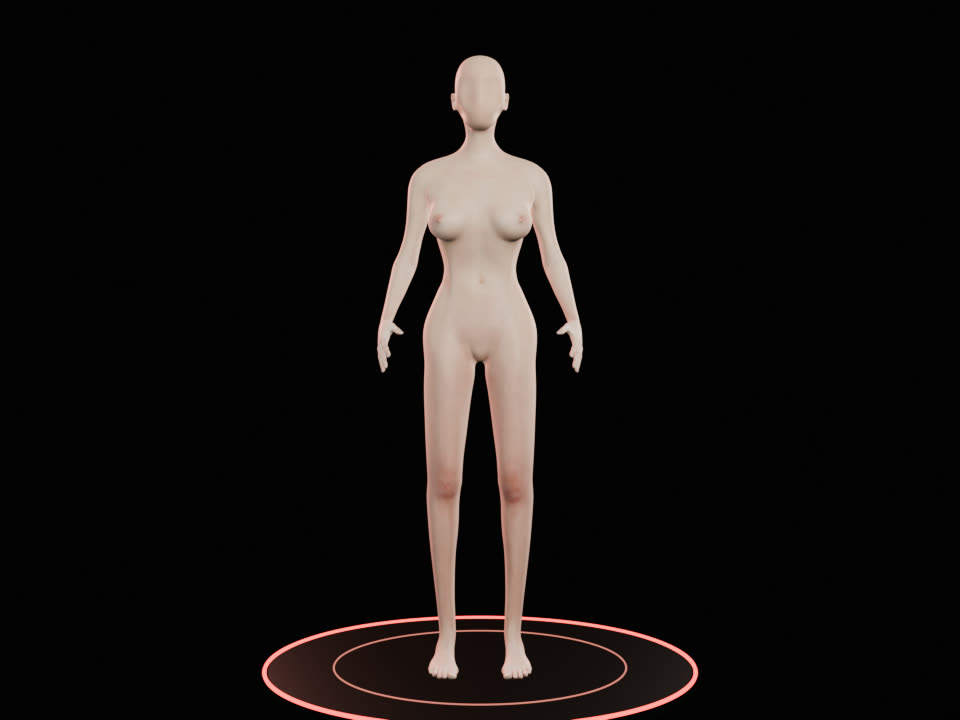
Set height, build, and proportions with sliders on a 3D figure you can rotate.
- 4
Generate the character
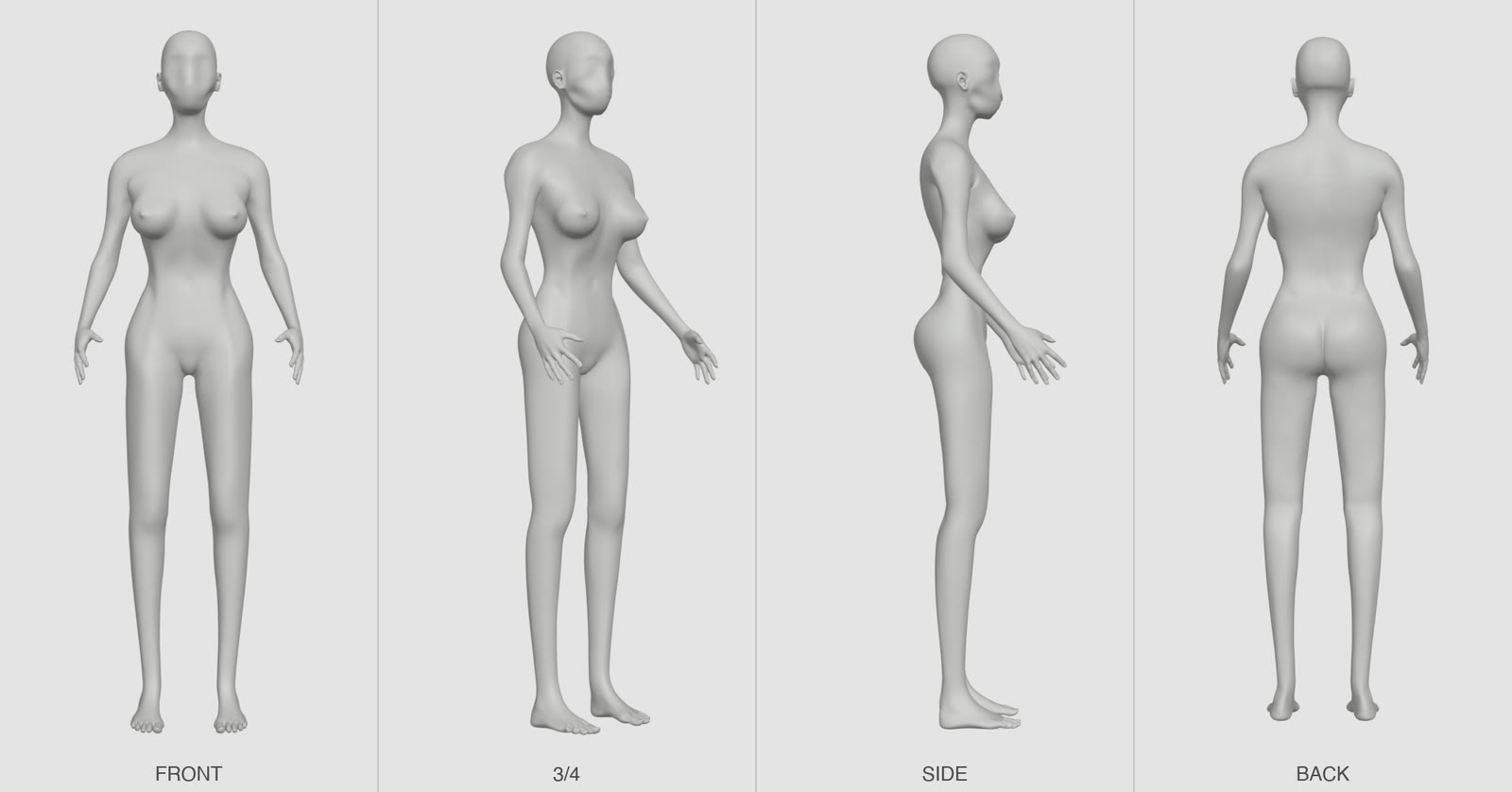
Kinku renders her from that face and body, then builds a reference sheet of angles. Every later image and clip is given that sheet, so there is no training step to wait for.
- 5
Run consistency tests
Generate varied poses, outfits, and lighting, plus a short clip. If the face drifts, fix the character before you build a library on it.
- 6
Build signature assets
Create hero stills, outfits, and locations that define the model's brand.
- 7
Launch publicly
Publish profile or companion when quality is stable. Link monetization and calendar.
What the body step looks like
Character Studio shapes the body on a 3D figure. Here it turns through five of its presets: Supermodel, Hourglass, Fitness, Curvy, and Athletic.
Key terms
- AI adult model
- A fictional digital persona with consistent visual identity used across AI-generated adult content.
- Reference sheet
- A set of angles of one character that every render is given, so the same face and body hold without training a model.
- Consent-safe model
- A model based on fictional originals, not real people, minors, or impersonated identities.
Common mistakes
- Basing the character on a celebrity or another real person.
- Changing her face between sets, so fans never learn who she is.
- Publishing before validating consistency across poses.
- Skipping platform policy review before external distribution.
- Using age-ambiguous prompts or styling.
Safety and compliance
AI adult models must be fictional adults. Kinku prohibits minors, non-consensual content, and impersonation. Read legal AI adult content before scaling marketing or revenue.
FAQ
Frequently asked questions
Create your AI adult model on Kinku
Build a character in Character Studio and validate your first photoset.